
Everything a current build actually does.
One list, nothing held back and nothing borrowed from a roadmap. If it is written here, it is in the app today.
Log
Choose the input that matches the moment, then keep the result editable.
- Meal photo analysis
- Photo library import
- Food description in your own words
- Barcode lookup for packaged products
- Manual entry of calories and nutrition
- Saved foods and favourites
- A built-in food catalogue that works offline
- Copy yesterday's entries into today
- Photograph the meal
- Use a photo you already took
- Describe it in your own words
- Reuse a saved food
- Enter the numbers yourself
- Scan a package barcode
One entry
- Protein Estimated
- Carbohydrate Estimated
- Fat Estimated
- Not determined —
Understand
Put meals in the context of your day rather than judging them in isolation.
- Calorie estimates
- Protein, carbohydrate and fat totals
- Daily targets and remaining context
- Visible incomplete-estimate states
Track
Keep simple records that help explain the bigger picture.
- Water entries and a daily target
- Weight entries and history
- Your own calorie and macronutrient targets
- Metric and imperial units
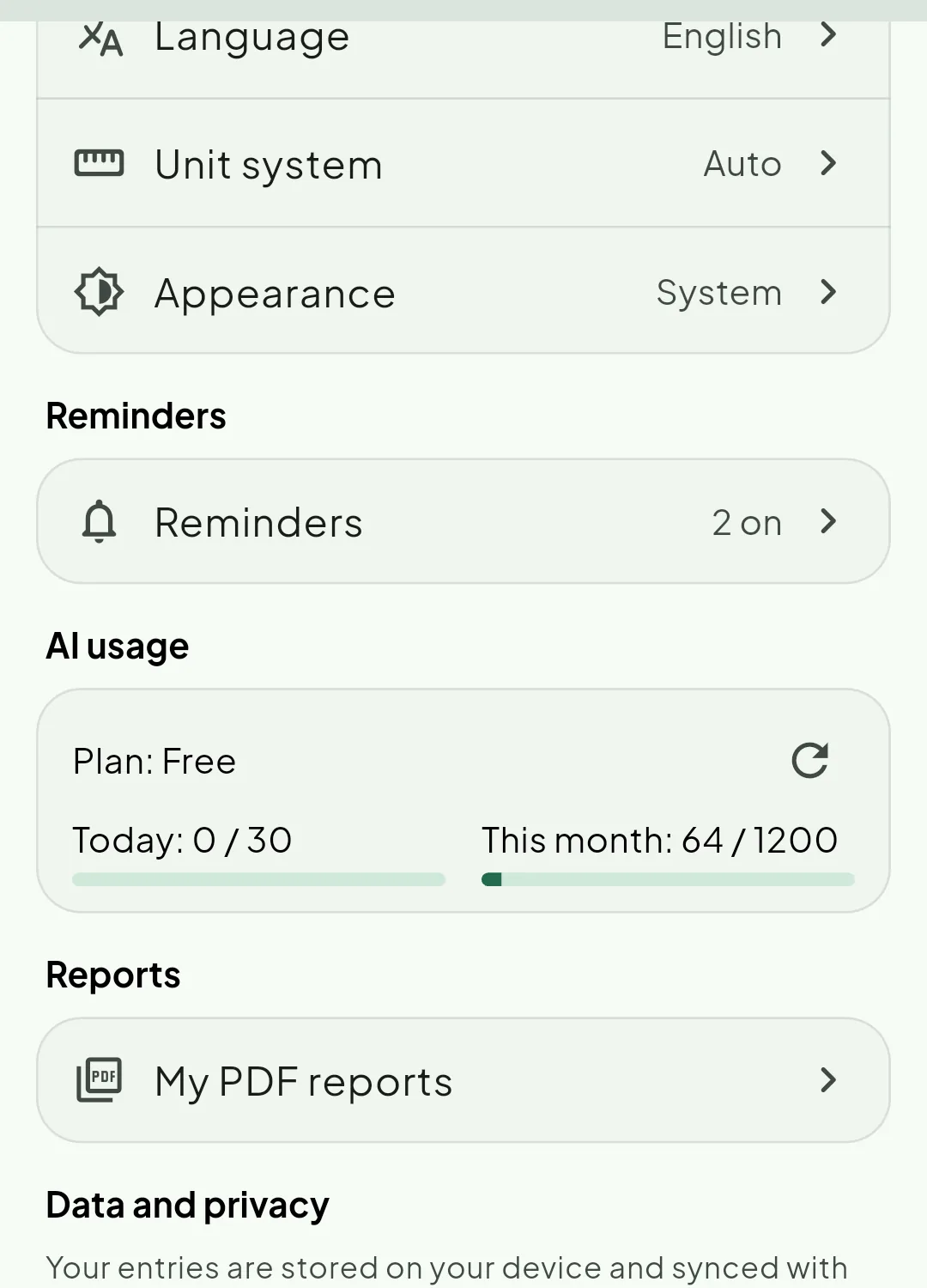
- Reminders for meals, water, weight and a daily check-in
- Light, dark or system appearance
Review
Return to earlier days and move through different time ranges.
- Daily food history
- Weekly progress
- Monthly progress
- Meal suggestions from what is left in your day
- An offline recommender that spends no AI allowance
- Your remaining AI allowance shown before you use it
- Sync across your devices
Not determined
Keep and share
Take the record out of the app, and let a few people in — only as far as you decide.
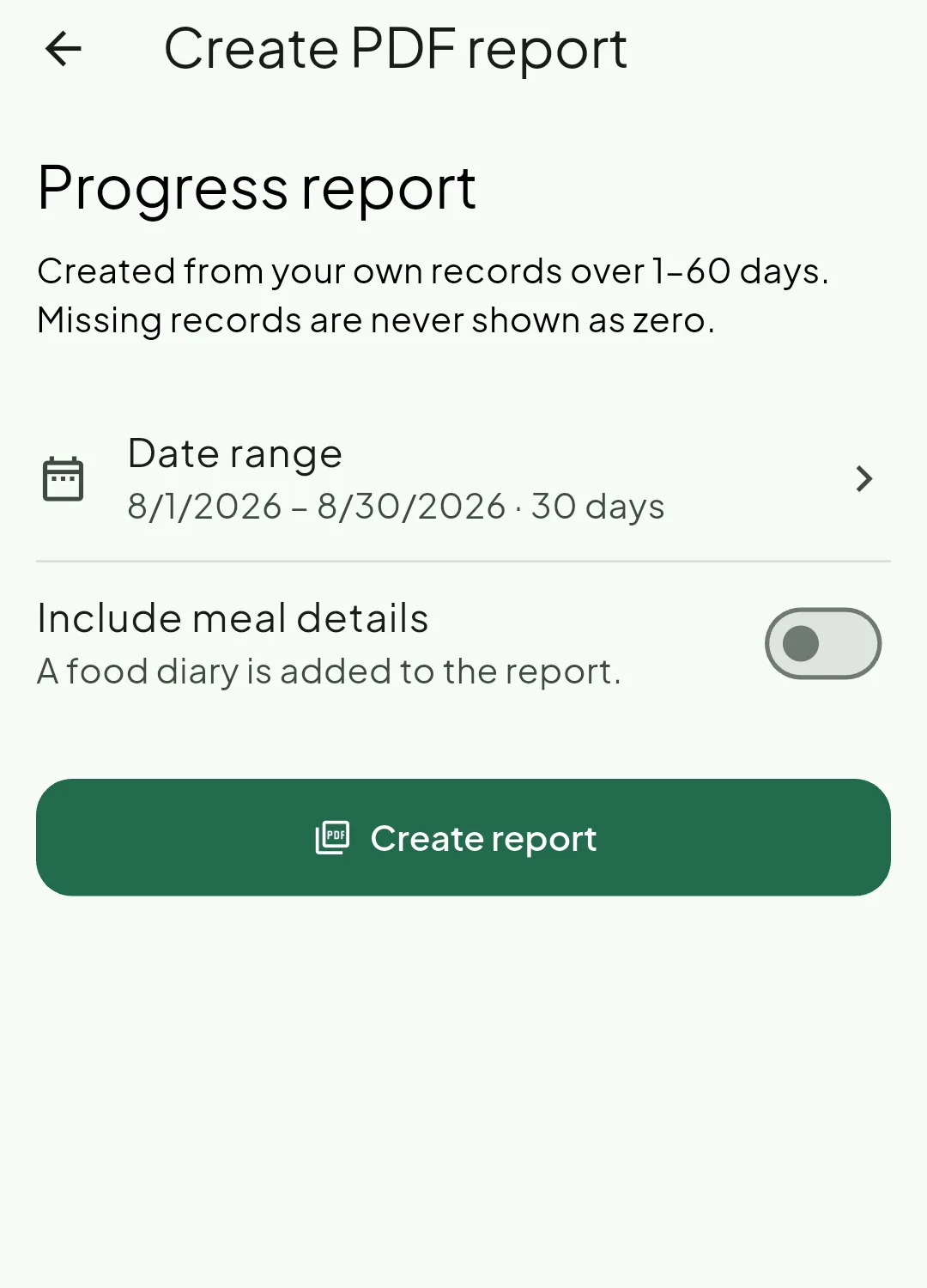
- PDF progress reports from one day up to sixty
- Energy, macronutrients, hydration, meal distribution and weight sections
- Recorded and unrecorded days told apart
- An optional food diary appended to the report
- Reports saved on your device, per account
- Friends added by email, with a request they must accept
- Meal sharing and goal-progress sharing as separate switches
- A choice of sharing from today or from your last thirty days
- A thirty-day Community window
- Removing a post never removes your own entry
- Comments and reactions from friends
- Blocking, unblocking and a blocked-people list
A report describes what you logged. It is not a medical document, a diagnosis, or a substitute for professional advice.
See the whole thing, end to end.
From a meal you record in seconds to a month you can read, keep as a document, and share with a friend if you choose to.
Where you will be able to get it
- Google Play Coming soon
- App Store After the first release
There is nothing to install today. When the app is published, the listing link appears here.